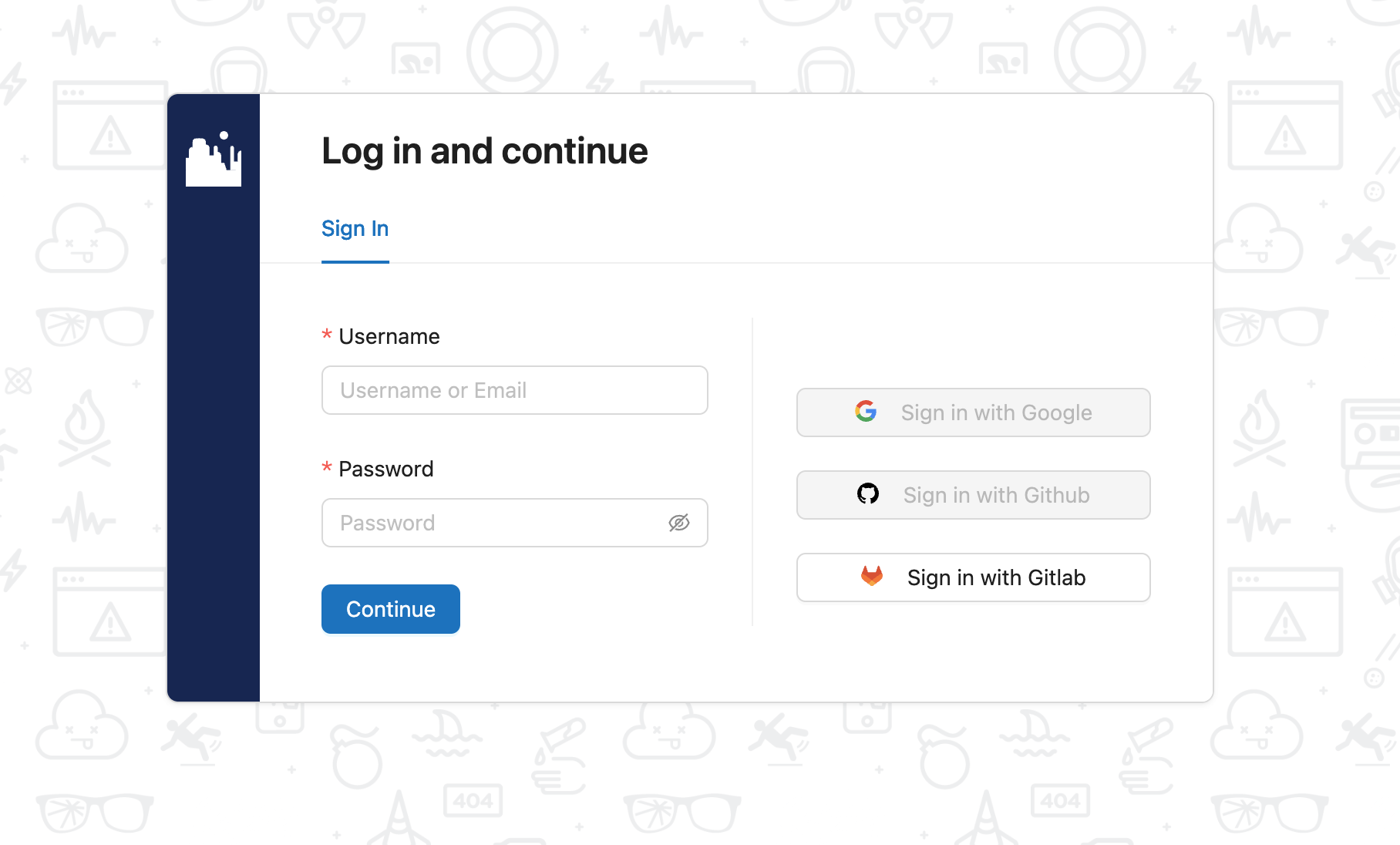
Setup and Access
Learn how to set up and access Canyon Community Edition.
System Settings
To use all features of Canyon, you must configure the following data tables:
CANYON_SERVER: Canyon server addressGITLAB_SERVER: GitLab server addressGITLAB_CLIENT_ID: GitLab client IDGITLAB_CLIENT_SECRET: GitLab client secret
NOTE: The callback address is <CANYON_SERVER>/oauth, please ensure it is configured correctly in GitLab.
insert into public.sys_setting (id, key, value)
values  ('1', 'CANYON_SERVER', 'https://canyonjs.org'),
        ('2', 'GITLAB_SERVER', 'https://gitlab.com'),
        ('3', 'GITLAB_CLIENT_ID', 'xxx'),
('4', 'GITLAB_CLIENT_SECRET', 'xxx');Currently only GitLab is supported, more Git service providers will be supported in the future.
insert into public.git_provider (id, url, type, name, disabled, private_token)
values ('gitlab', 'https://gitlab.com', 'gitlab', 'GitLab', false, 'xxx');Admin Login
Create the following user. You can log in using the following credentials: email: canyon, password: 123456
INSERT INTO "user" (id, email, password, nickname, avatar, favor)
VALUES ('canyon', 'canyon@canyon.com', '123456', 'Canyon', '/avatar.jpg', '');
GitLab OAuth2 Login